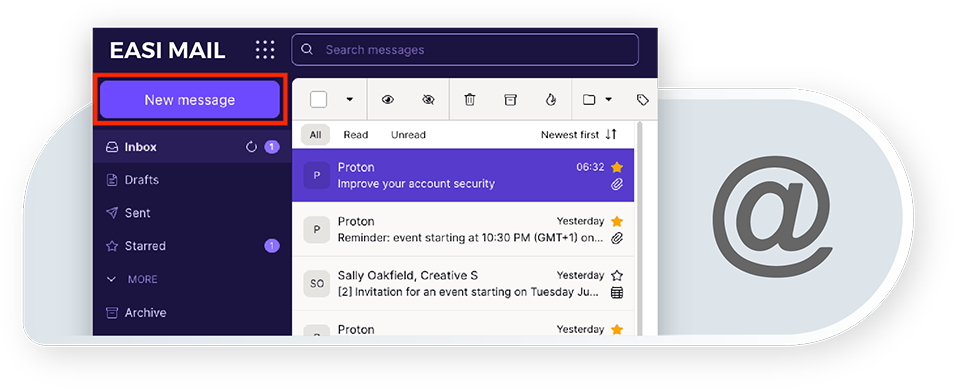
Service: Mail server development service
A stable and powerful mail server is a prerequisite for any platform that needs customized email IDs for all registered users. Easital has developed a custom mail server that has this massive capacity. Developing a custom mail server has its own challenges. There are complexities surrounding the features, along with security concerns.
Easital had to identify these specific challenges and come up with a practical plan to address them. After a series of meetings between different experts in the team and other stakeholders, a detailed step-by-step strategy was created to build the mail server.
Advantages of Using a Custom Mail Server
Let’s take a look at some of the main advantages to using a custom mail server.
- Greater control: With a custom mail server, you have full control over your email infrastructure, including security, spam filtering, and backups. This allows you to customize your email settings to meet the unique needs of your organization.
- Increased privacy: Using a custom mail server can provide greater privacy as you are not relying on third-party email providers to handle your communication. This is especially important for businesses that handle sensitive or confidential information.
- Scalability: Custom mail servers are highly scalable, allowing you to easily accommodate growing business needs. You can add or remove users and mailboxes, and adjust storage and bandwidth requirements as needed.
- Branding: Custom mail servers allow you to use your own domain name in email addresses, which helps to reinforce your brand identity and enhance professionalism.
- Cost-effectiveness: Custom mail servers can be a cost-effective solution for businesses that send large volumes of email or have a large number of users. By hosting your own email server, you can avoid paying monthly fees to third-party providers and only pay for the server hardware and maintenance.
Challenges:
- Developing a mail server with such a huge capacity posed maintenance and stability concerns.
- The mail server needed to have strong security features to protect customers’ privacy and data.
- Specific functionalities, like email filtering for spam control, were needed.
- Additional features were necessary, such as setting the daily sending limit for users.
- A flexible platform was required that would serve users in the long term.
Solutions:
- POP3 and IMAP servers were utilized to develop the mail server.
- SMTP Port 25 was implemented to ensure adequate security measures.
- Incoming messages on the server have end-to-end encryption for additional security.
- Features and controls such as email filtering and a daily sending limit were set.
Long-Term Impact
Easital Technologies approached this project with a systemic approach. The main goal was to overcome the most common issues and challenges in the process. The team was able to develop a functional mail server with zero limitations and strong security features. It was also made sure that the server is free from common bugs and crashes after its implementation.
Implementing a custom mail server is important for its flexibility. The administrator also has greater control over such a system, and better security is ensured.
Technologies Used:
- IMAP and POP3: IMAP (Internet Message Access Protocol) and POP3 (Post Office Protocol version 3) are email protocols used for retrieving emails from a server to a client. IMAP allows multiple devices to access the same mailbox while keeping the emails stored on the server, whereas POP3 downloads emails to the client device and typically deletes them from the server.
- SMTP: SMTP (Simple Mail Transfer Protocol) is a protocol used for sending emails from a client to a server and then forwarding them to the recipient's server.
- Port 25: Port 25 is the default port used for SMTP communication between email servers.
- hMailServer: hMailServer is an open-source email server software for Windows that supports POP3, IMAP, and SMTP protocols and allows users to host their own email server.